


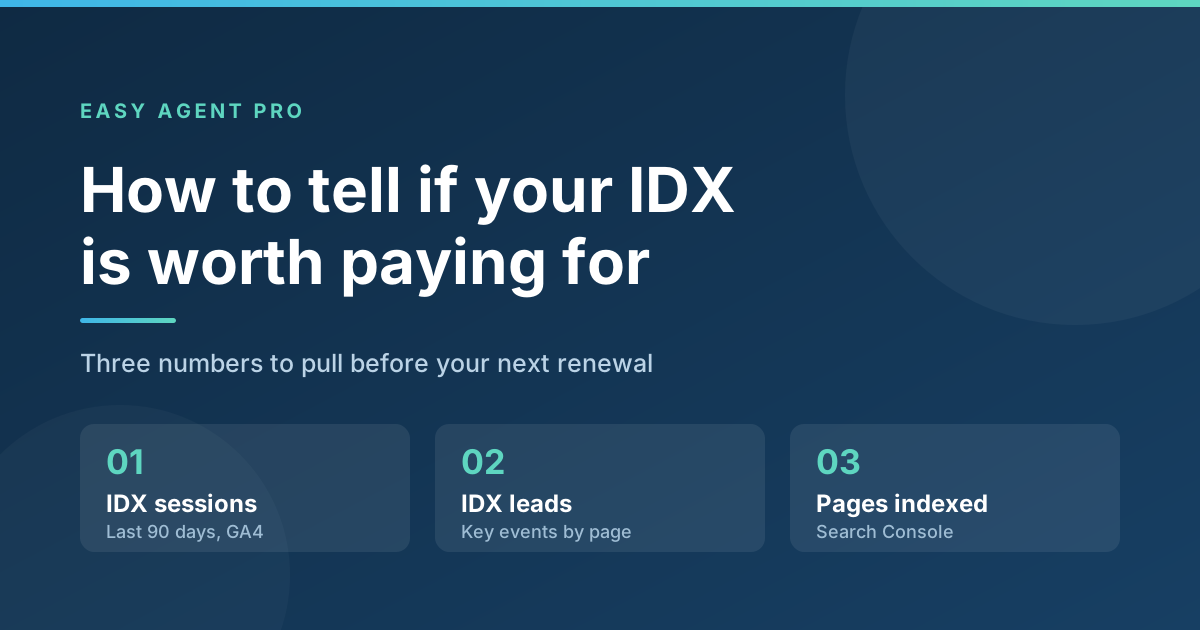
Short answer: pull three numbers before your next renewal. In Google Analytics, check how many sessions started on your IDX pages in the last 90 days. Check how many of those sessions produced a lead. Then in Google Search Console, check how many of your IDX URLs Google has actually indexed. If your IDX pages are a small sliver of your sessions, produced no form fills in three months, and are sitting in “Crawled – currently not indexed,” you are renting a feature your visitors never touch. That money converts better somewhere else on the same website.
This is a measurement post, not an argument. It takes about 30 minutes, it uses free tools you already have, and it ends with a number you can take to your renewal conversation. Do it once a year, ideally a month before the bill comes.
What does IDX actually cost you every year?
Two invoices, not one, and agents routinely forget the second.
- The IDX vendor. IDX Broker publishes plans starting at $60 per month for its Core tier, with higher tiers above that, plus a one-time setup fee (idxbroker.com, checked September 2026). Other vendors price in the same neighborhood.
- Your MLS or board. Most MLSs charge their own IDX feed or data-access fee, set locally and billed separately. Some are modest, some are not, and a few are free. Pull your last board invoice rather than guessing — this is the number agents are most often wrong about.
- Setup and re-setup. Feed activations, re-approvals when you change brokerages, and the occasional paid fix when a widget breaks after a platform update.
Add the two recurring lines together and multiply by twelve. That annual figure is what the rest of this audit is measured against. If your IDX costs, say, $1,800 a year and produced three leads, you know what you paid per lead. If it produced zero, you know that too.
Why do IDX pages so often get no traffic?
Because the search you are competing with is enormous and free. Zillow Group reported 239 million average monthly unique users and 2.5 billion visits in the second quarter of 2026. A consumer who wants to browse listings is already in that habit, on an app, with saved searches running.
The statistic agents quote back at this point is from the National Association of REALTORS®: in NAR’s 2025 Profile of Home Buyers and Sellers, 52% of buyers found the home they purchased on the internet, versus 27% through a real estate agent. That is true, and it is routinely misread. “On the internet” overwhelmingly means a portal. It does not mean they found the home on an individual agent’s IDX search page, and NAR’s own numbers show the same buyers still leaned on an agent as an information source 85% of the time.
There is a structural problem too. IDX listing pages are generated from a shared feed, which means thousands of other sites publish near-identical versions of the same page. Google is under no obligation to index duplicate, thin, frequently-expiring pages, and mostly it doesn’t. That is why the Search Console step below matters as much as the analytics one.
None of this makes IDX useless. It makes IDX a tool with a narrow set of jobs it is genuinely good at, which is a different thing from a must-have line item. Our older post on treating IDX as a business-boosting tool rather than a checkbox makes the case for the jobs it does well.
How do you check whether your IDX pages get any traffic?
You need your IDX URL pattern first. Open your site, run a property search, and look at the address bar. Most installs put listings under a consistent path such as /idx/, /listings/, /homes-for-sale/, or a vendor subdomain. Write that pattern down.
Then, in Google Analytics 4:
- Go to Reports > Engagement > Landing page. This report shows the page where each session started.
- Set the date range to the last 90 days. Anything shorter is noise for a single-agent site.
- Use the search box above the table to filter for your IDX path.
- Read two columns: Sessions and Average engagement time per session.
Compare the IDX sessions total to your site’s overall sessions for the same window. A useful rule of thumb: if IDX landing pages are under roughly 5% of your sessions, they are not an acquisition channel for you — nobody is arriving through them. They may still be useful to visitors who arrive elsewhere, which is what the next step measures.
How do you check whether IDX pages produce leads?
Traffic is not the point; leads are. If you have never marked your form submission as a key event, do that first — it takes two minutes and every report afterwards gets more useful.
- In GA4, go to Admin, then under Data display click Events.
- Open the Key events tab, find your form event (often generate_lead or form_submit), and switch on Mark as key event.
- Go back to Reports > Engagement > Landing page, filter for your IDX path again, and read the Key events column.
Key events only start counting from the day you mark them, so if you are setting this up today, you will need to come back in 30 days for a clean read. In the meantime, check your CRM directly: search the last 90 days of new leads and count how many came in through an IDX registration or property-inquiry form versus a page form, a call, or a text. That manual count is less elegant and just as decisive.
One honest caveat: IDX forced registration can inflate lead counts with low-intent contacts who typed a fake email to see a photo gallery. Before you credit IDX with a number, check how many of those leads you actually reached. A hundred registrations nobody answered is not a channel. Our guide to building a follow-up system that converts is the better use of that hour.
How do you check whether Google indexed your IDX pages?
This is the step almost nobody runs, and it is usually the most damning one.
- Open Google Search Console and go to Indexing > Pages.
- Look at the split between indexed and not-indexed URLs, then open the reasons underneath.
- Watch for “Crawled – currently not indexed” (Google visited the page and chose not to index it) and “Discovered – currently not indexed” (Google found the URL and has not crawled it yet).
- Click into those rows and see how many of the listed URLs match your IDX path.
If the bulk of your IDX URLs sit in those two buckets, your IDX is contributing nothing to search visibility, no matter what the vendor’s marketing page says about SEO. It may also be spending your crawl budget on pages that will expire in three weeks, which is worse than neutral.
What do the three numbers actually tell you?
- Low traffic, zero leads, not indexed. Cancel it, or move it to the cheapest tier that keeps a basic search working for buyers you send there directly. This is the most common result for solo agents who bought IDX because it came bundled.
- Low traffic, real leads. Keep it, but stop treating it as an SEO asset. It is a conversion tool for traffic you generate elsewhere, so spend accordingly.
- Real traffic, zero leads. Your IDX is working and your capture is not. Fix the forms, the calls to action, and the speed of your response before you cancel anything.
- Real traffic, real leads, indexed. You are in the minority. Keep it and feed it.
Where should that money go instead?
If you cancel, the point is not to pocket the difference — it is to move it to pages that earn their keep. The pattern that works for individual agents is being the definitive source on a small geography, then capturing the people that attracts.
- Neighborhood and area pages you actually write. Unlike feed pages, these are unique, they do not expire, and they rank for the searches buyers use before they start browsing listings. This is the core of a digital farming strategy.
- Seller-side tools. A home valuation or CMA offer converts a very different, higher-intent visitor than a listing browser — and seller leads are the ones portals compete with you for least.
- Capture on the pages that already get traffic. Header forms, exit-intent popups, and gated content on your top five pages usually move more leads in a month than an IDX does in a year. See generating leads from your own website.
- Speed to lead. An automatic text back within a minute of a form fill changes contact rates more than any website feature.
- Content that answers real questions. Both Google and AI assistants now pull from pages that answer specific local questions directly, which is why blogging still works for agents.
If you would rather have this handled at the platform level, LeadSites’ SEO tooling is built around exactly this trade: fewer feed pages, more pages that belong to you.
When is IDX still worth keeping?
Fair is fair. IDX earns its cost when:
- You run paid traffic to listing pages and need full control of the landing page and the tracking on it.
- You are a team or brokerage with staff who work registrations within minutes, not days.
- You serve a niche the portals cover badly — rural land, a specific 55+ community, off-market-heavy segments, some Canadian markets.
- Your saved-search alerts are a real part of how you stay in touch with past clients and active buyers.
If none of those describe your business, the three numbers above will say so plainly.
FAQ
Does removing IDX hurt my SEO?
Usually the opposite, if those pages were not indexed to begin with. Check Search Console before and after. If some IDX URLs are indexed and getting clicks, redirect them to a relevant area page rather than letting them 404.
How long should I measure before deciding?
Ninety days of traffic data, and at least 30 days of key event data after you mark your form as a key event. Shorter windows on a low-traffic agent site will mislead you in both directions.
Can I keep listings on my site without a full IDX subscription?
You can always publish your own listings as regular pages, and many agents link buyers to a pre-built saved search in their MLS’s consumer portal instead. Neither gives you a site-wide search, and neither costs a monthly vendor fee.
My brokerage provides IDX free. Should I still audit it?
Yes, but for a different reason. There is no bill to cancel, so the question becomes whether the IDX section is slowing your site down or burying your capture forms. Run the same three checks and judge it on performance alone.
What if my IDX leads look good on paper?
Test reachability. Pull 30 recent IDX registrations and count how many you actually spoke to. Registration-gated leads convert at a very different rate than someone who filled out a valuation form, and the raw count hides that.
What do I do if the audit is inconclusive?
Downgrade rather than cancel. Move to the lowest tier your vendor offers, spend the difference on one of the items above for a quarter, and compare lead counts. That is a cheaper experiment than either extreme.
Run the audit, then reinvest the difference
Most agents have never checked whether the IDX line on their statement produces anything. Thirty minutes and three reports will tell you, and the answer usually points at the same conclusion: the pages that convert are the ones you wrote, on the geography you know, with a form and a fast reply attached.
If you want help running the numbers on your own site and deciding what to keep, book a LeadSites demo and we will walk through your analytics with you. You can also see what’s included on the LeadSites pricing page.
Sources
- NAR, 2025 Profile of Home Buyers and Sellers (home search findings)
- NAR, Highlights From the Profile of Home Buyers and Sellers
- Zillow Group Reports Second-Quarter 2026 Financial Results (August 2026)
- Google Analytics Help: Landing page report
- Google Analytics Help: Key events setup
- Google Search Console Help: Page indexing report
- IDX Broker plans and published pricing (checked September 2026)
- Swift Agent Why Adding MLS Listings to Your Website Usually Isn’t Worth It